For artists, producers, engineers & studios
Everythingaround the music,finally connected.
Book the room. Run the session. Share the music.
One place for everyone who makes it happen.
Free to join. Browse studios and book on the web.
Find your room. Keep your music.
Book studio time, stay in touch with your engineer, and keep your tracks together.
Find a Studio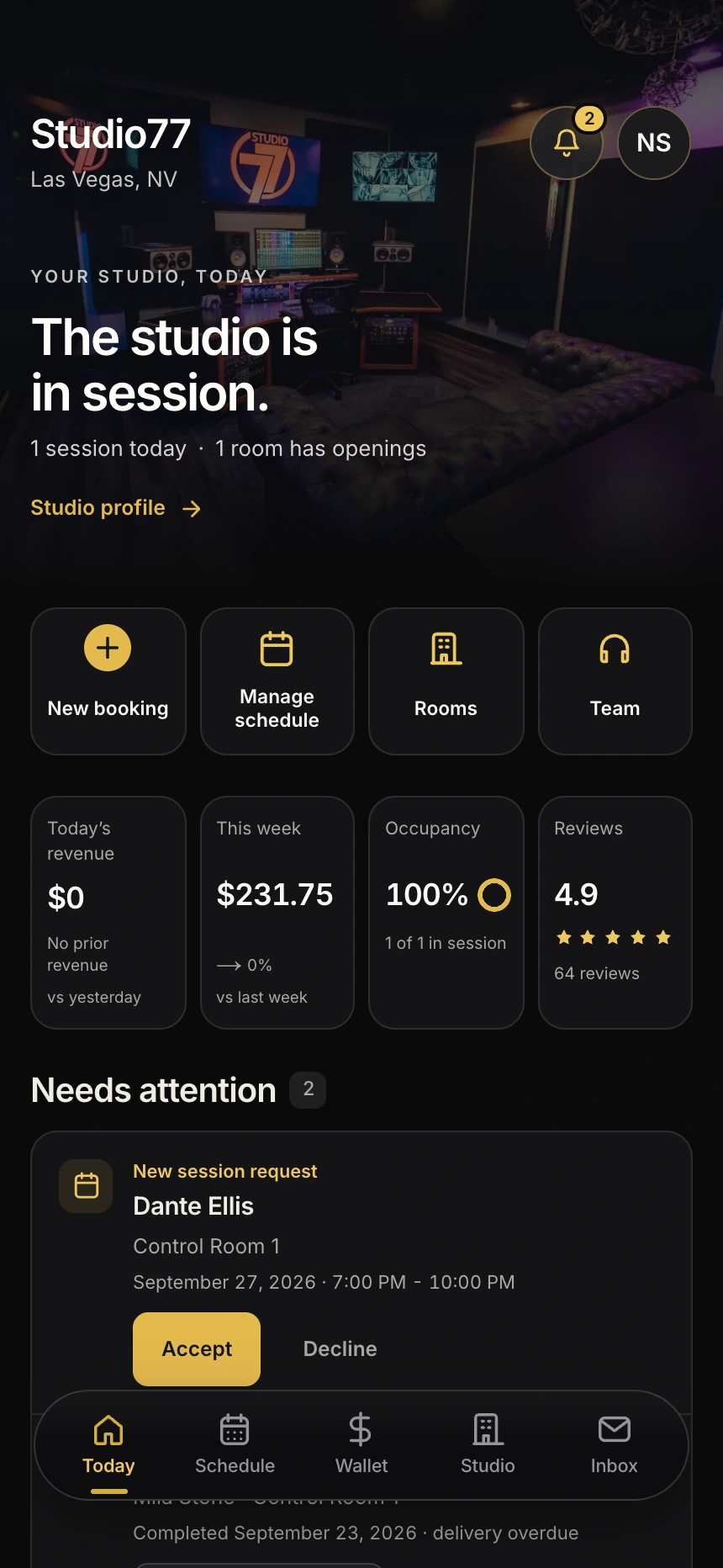
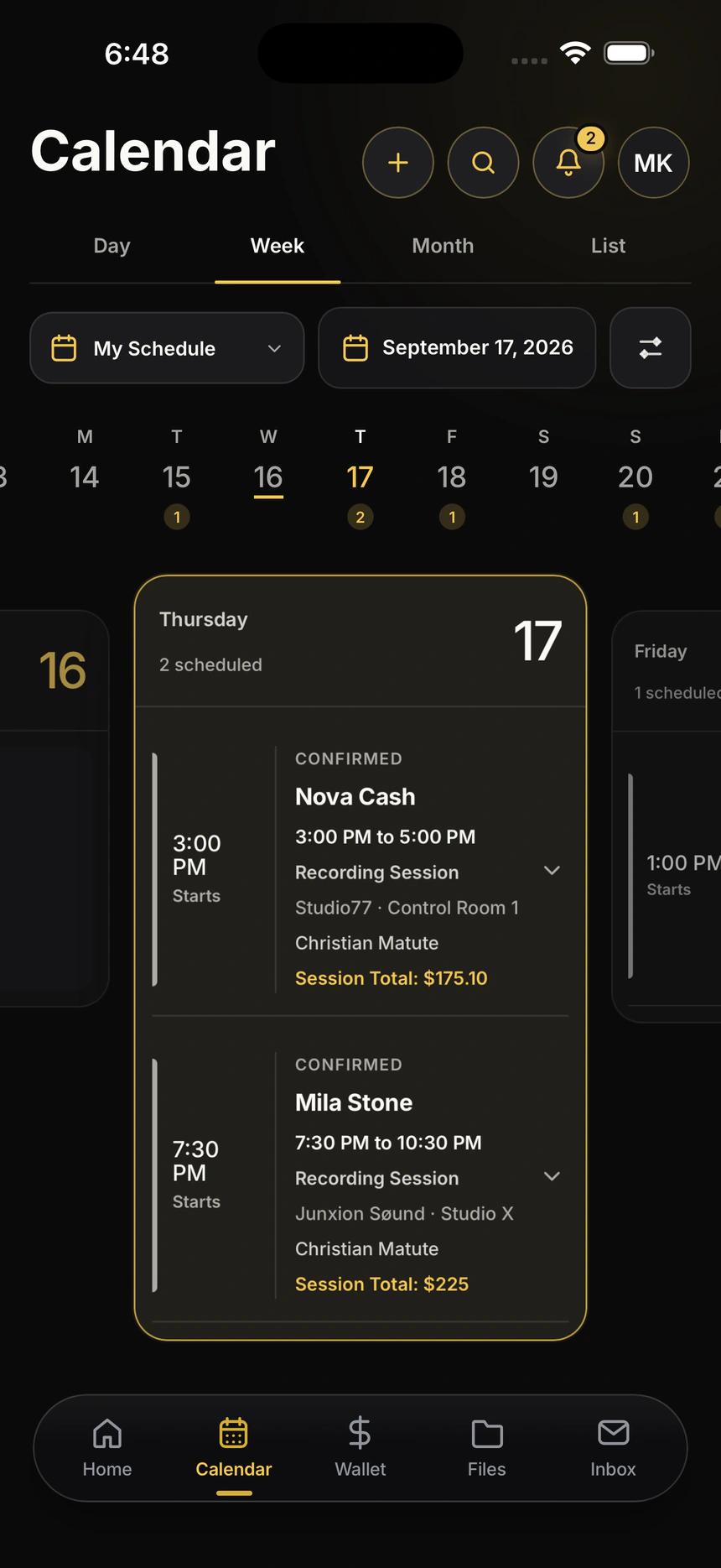
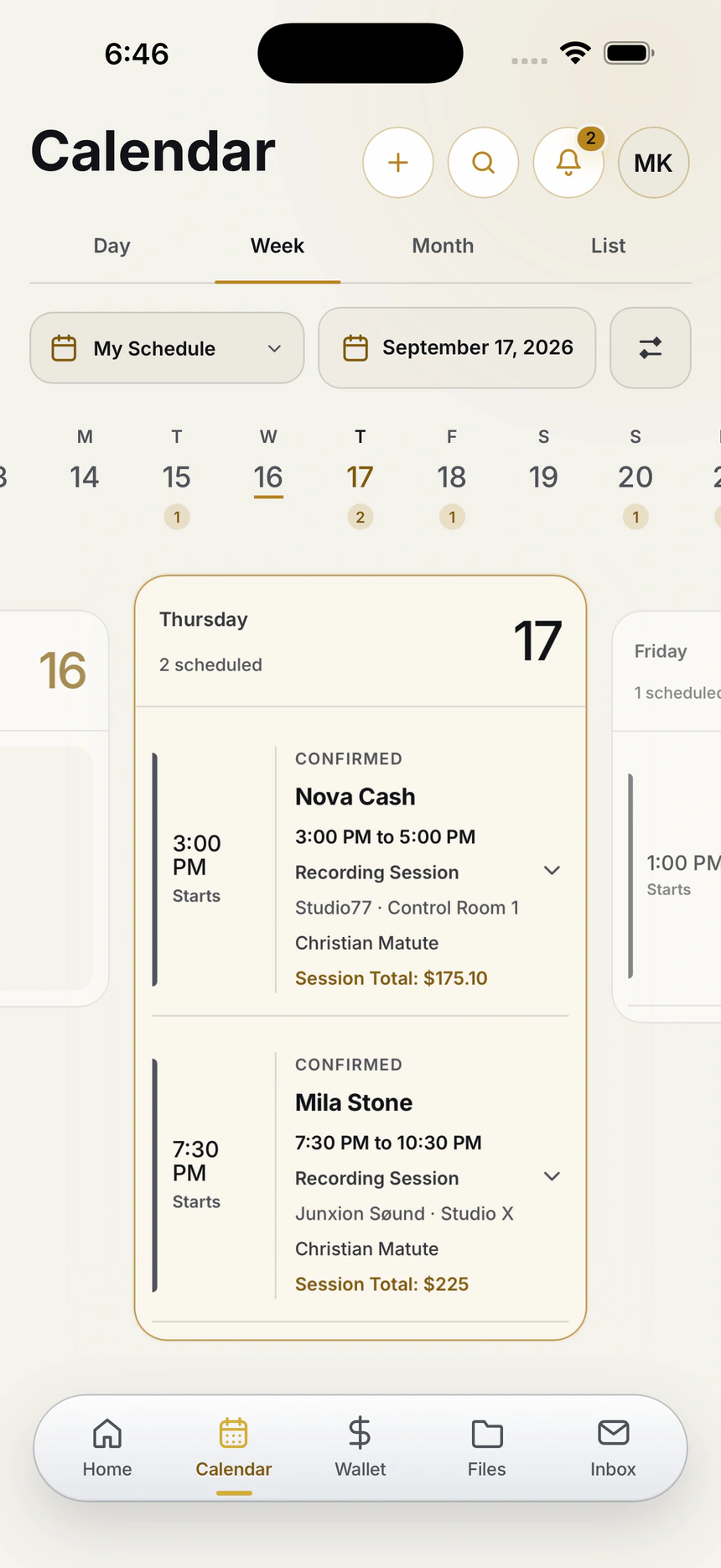
Artist · Book/Inside Session RouteSwipe to explore
Our launch city
Live in Las Vegas.
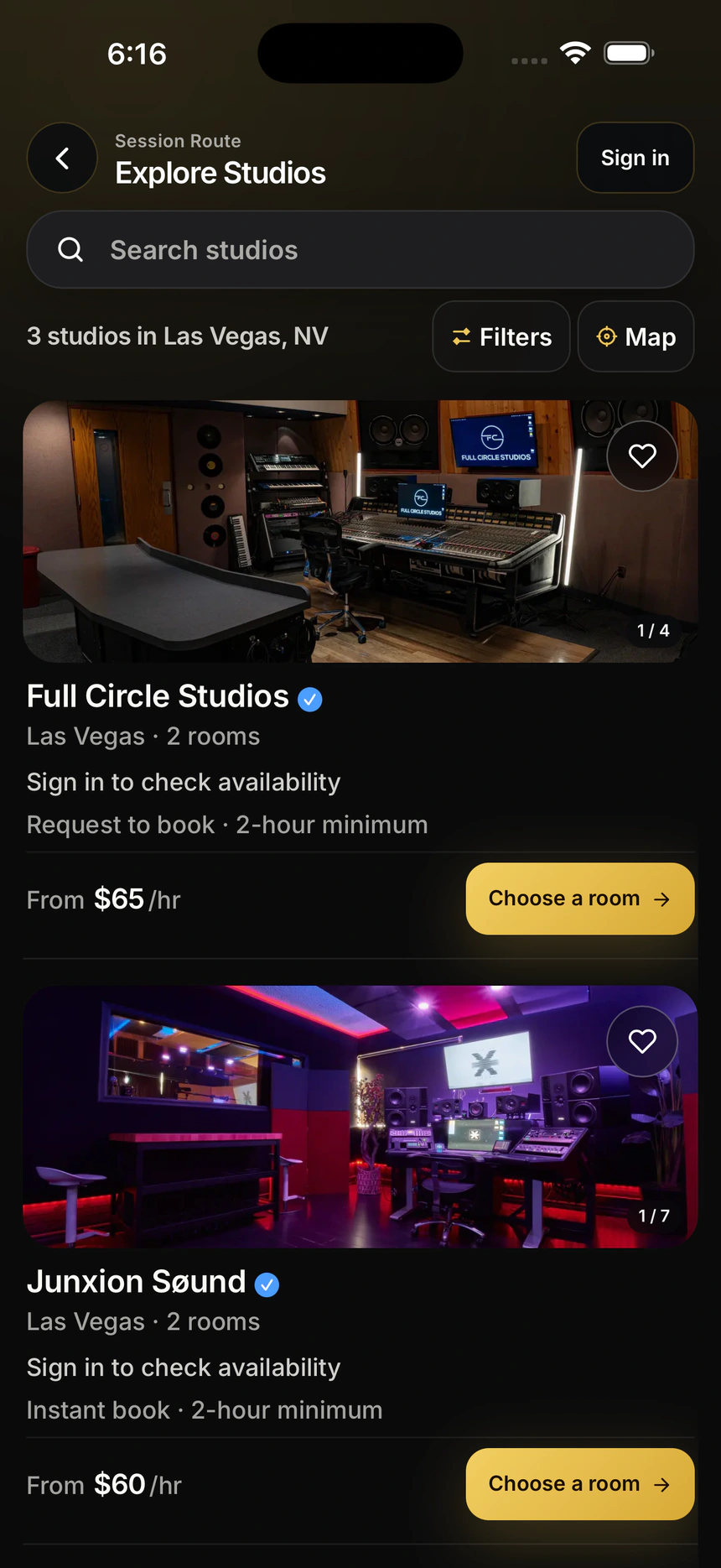
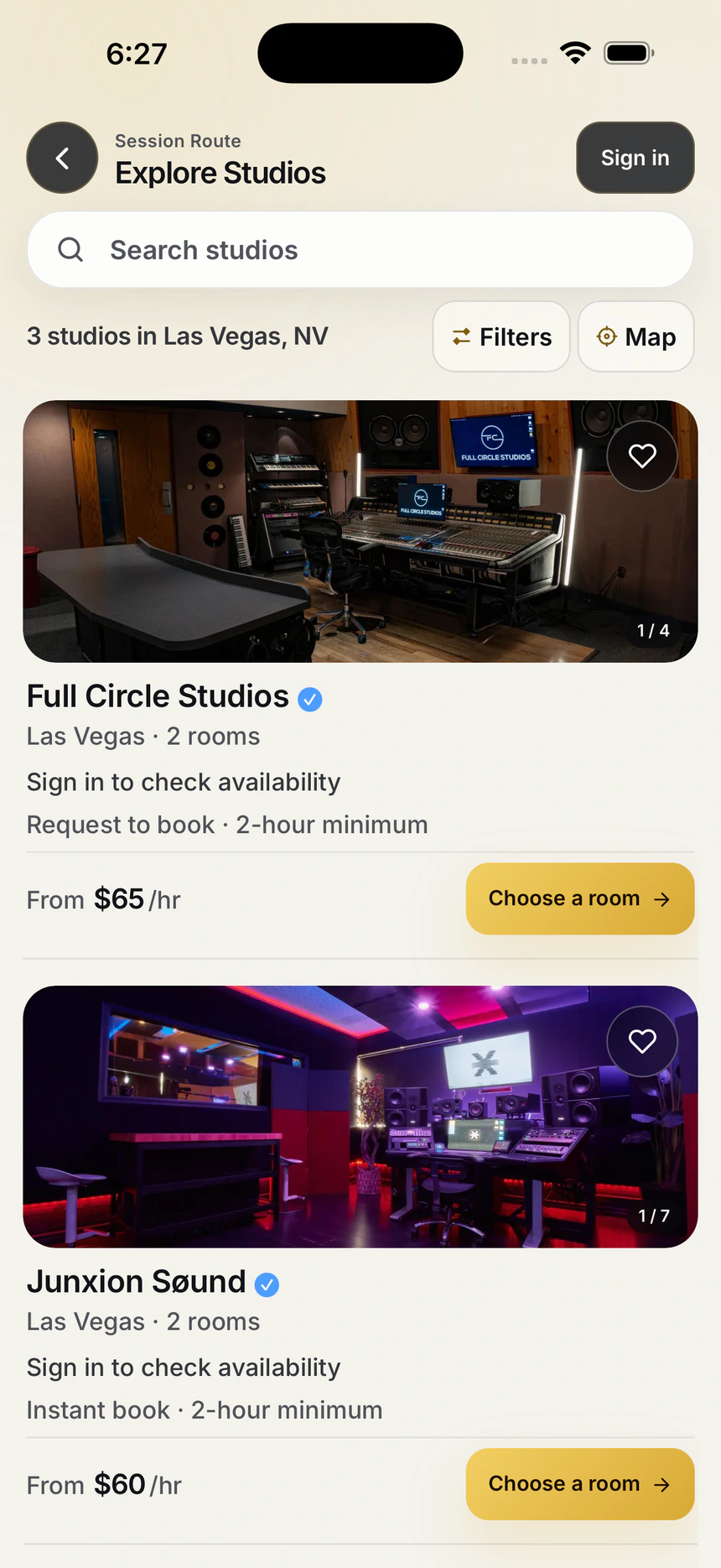
3 live studios. Real rooms. Ready for your next session.
Explore studio photos, hourly rates, and services before you book.
Find a StudioOutside Las Vegas? Get Updates for Your City




Pay over time for studio sessions and beats, whether you put down a 50% deposit or pay in full.
Eligibility, approval, available options, and terms vary by provider and are shown at checkout.
Your Library
The session ends.
Your music stays together.
Every song, version, and session delivery. Ready to find, play, and share without digging through messages.
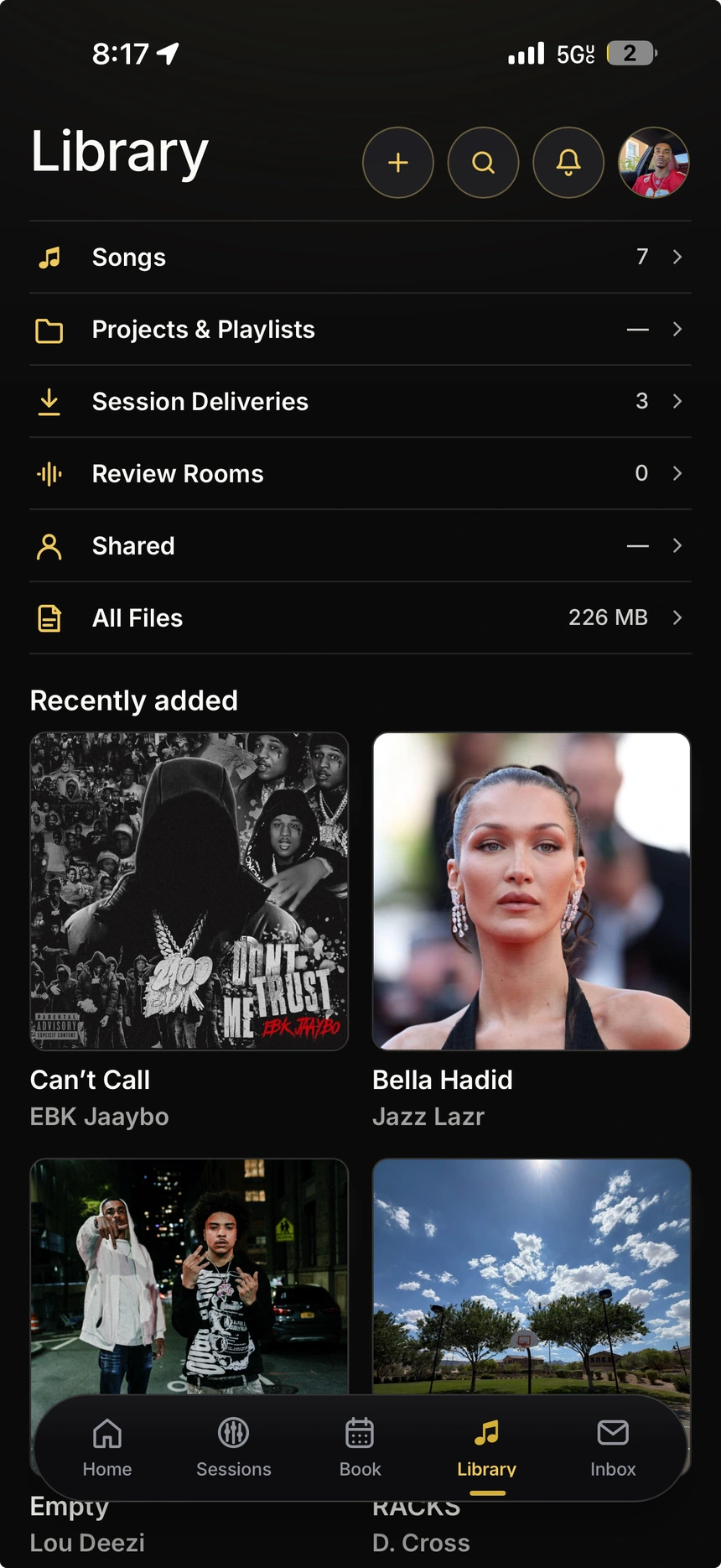
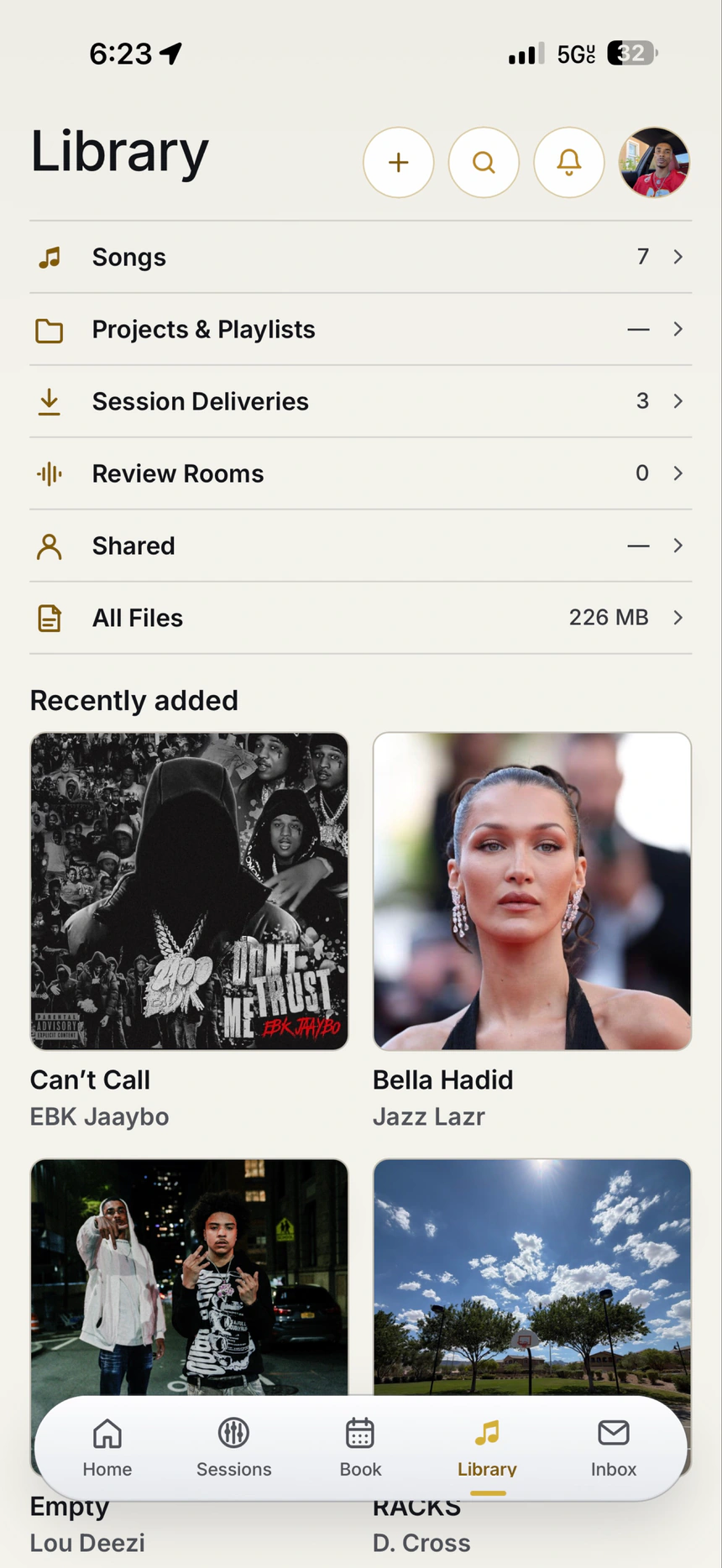
- Find your next track.Keep songs and projects organized.
- Keep the right version.Session deliveries, all in one place.
- Bring someone in.Share music and keep feedback connected.
 From Finder to their session.Session Route for Mac
Meet Session Route for Mac
From the final bounce
to their pocket.
Your Mac is where the music gets made. Send it straight from Finder to the artist’s session in Session Route.
- 01Select your files.
Mixes, masters, stems. Right in Finder.
- 02Choose Session Route from Share.
Choose the artist and the session.
- 03Keep the handoff connected.
Files arrive in the app, with the session’s access rules.
Available by request for engineers and studios.
For producers
Your sound.
Your beat store.
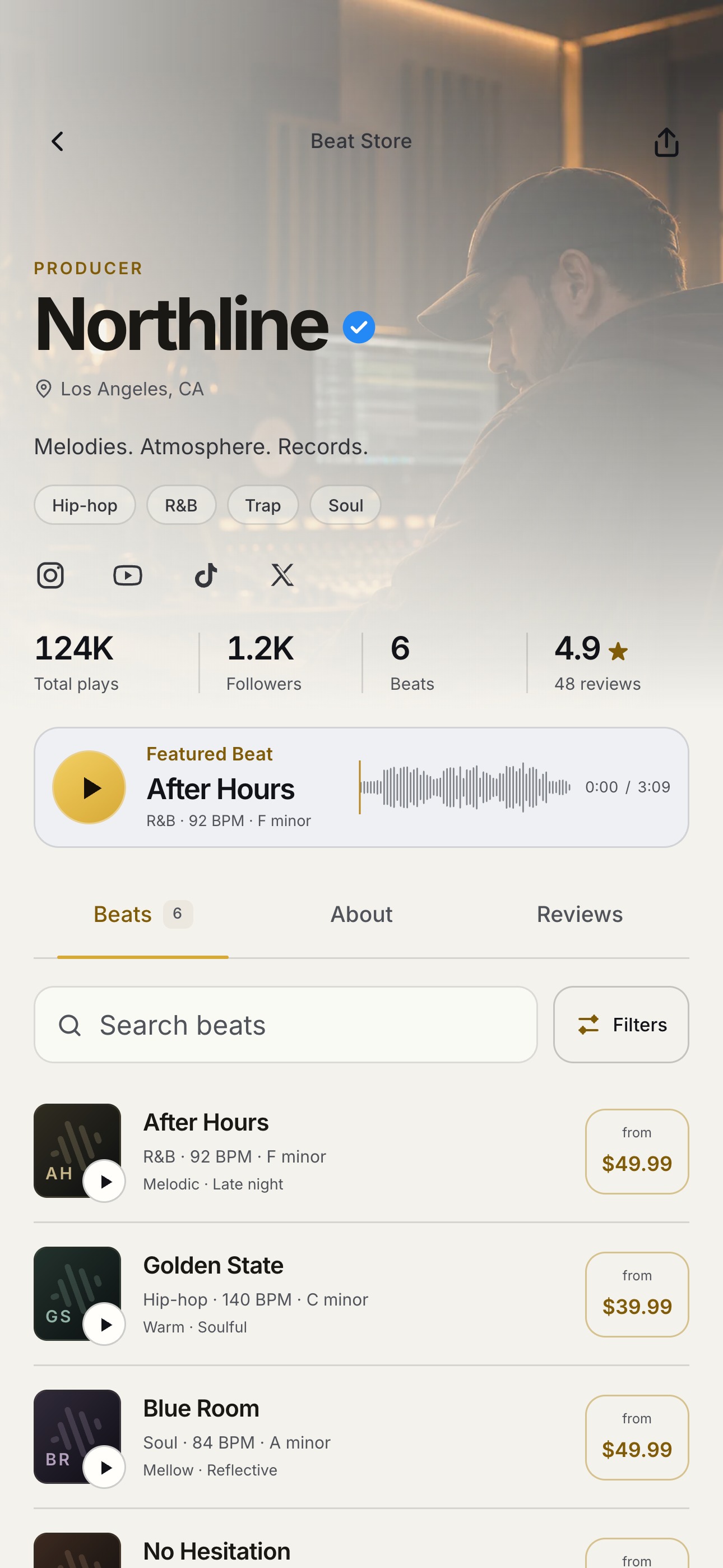
Build your producer profile, upload your beats, and prepare your licenses. Get your store ready while beat checkout is in early access.
Set Up Your Beat Store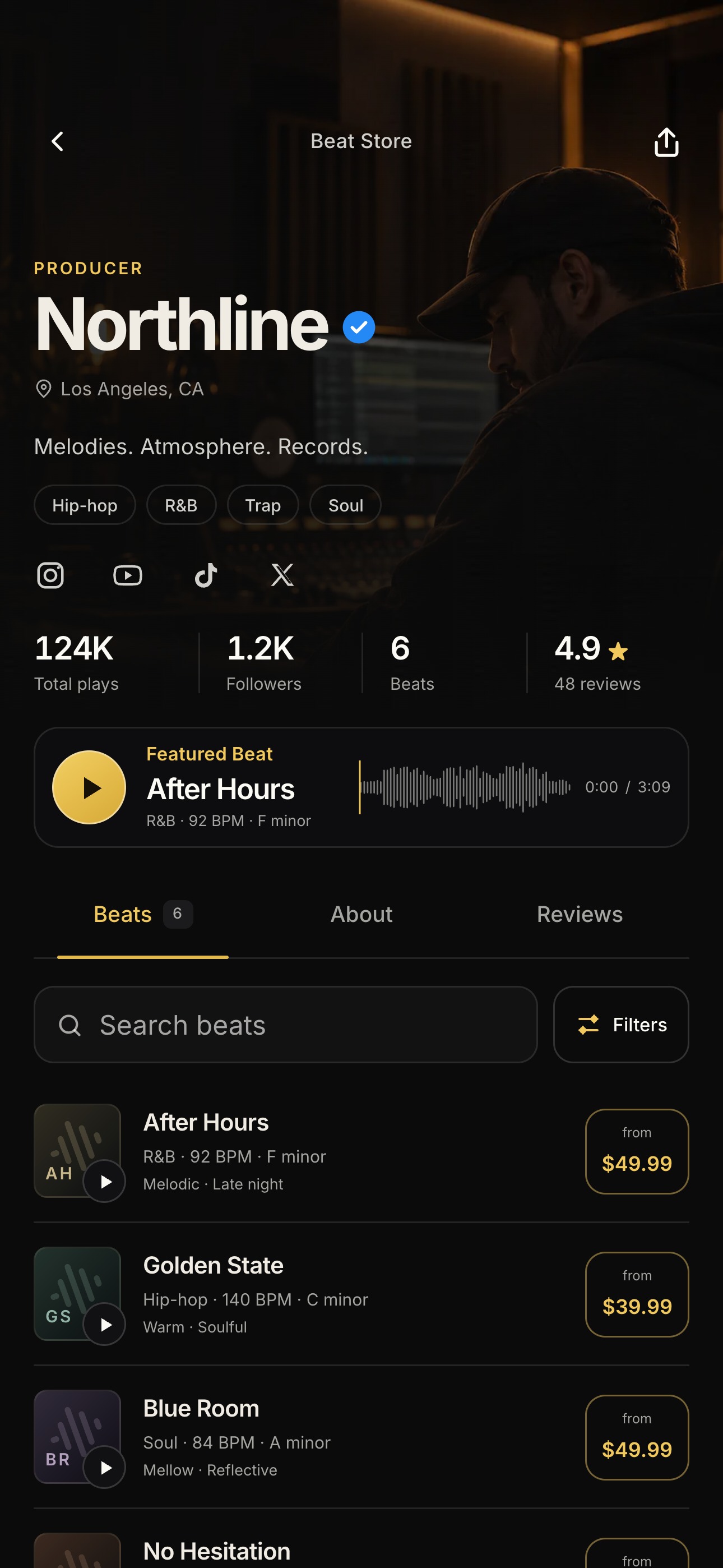
Your next session starts here
More music.
Less managing.
Free to join. Built around the way you work.
Find a Studio See pricing & membershipsWho is Session Route for?
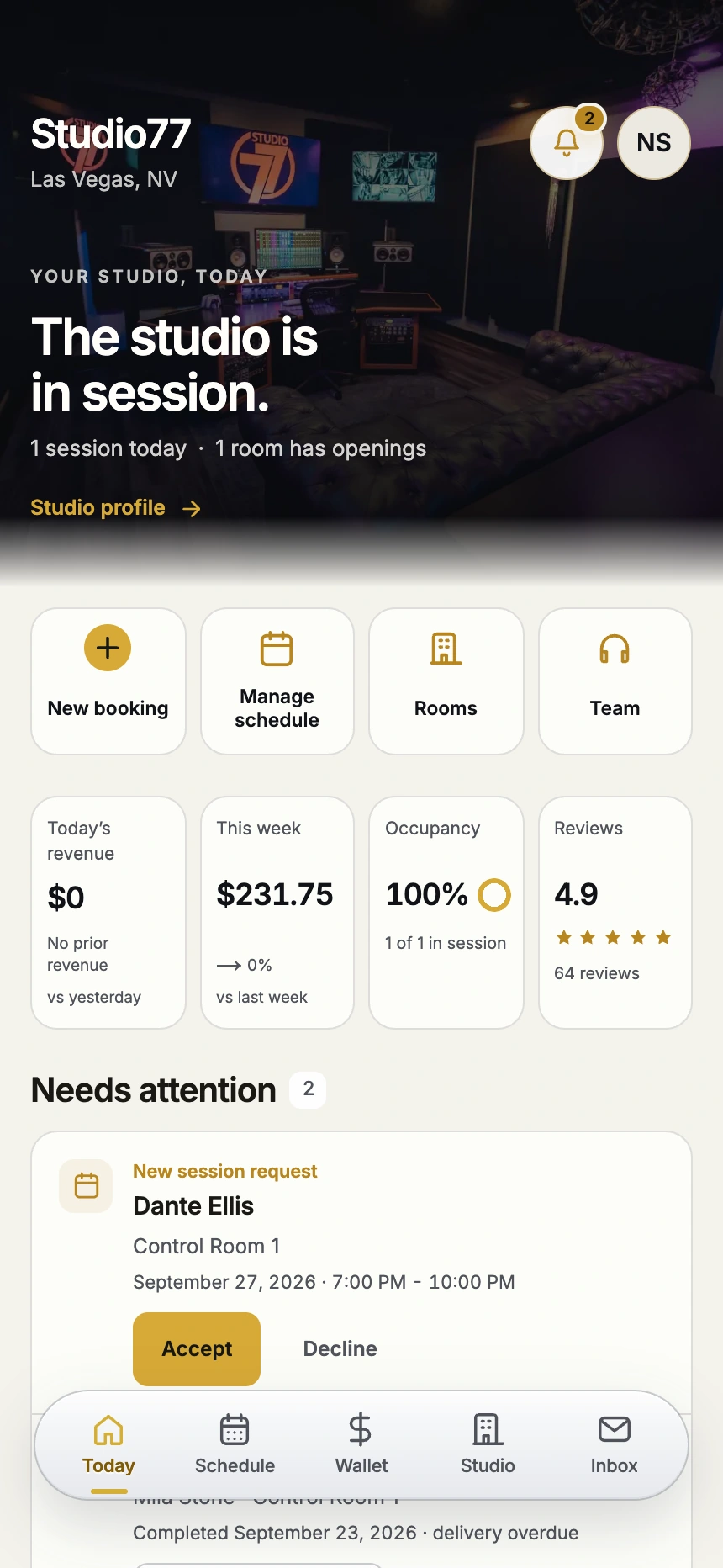
Artists booking studio time, producers sharing beats and offering licenses, engineers running sessions and delivering files, and studios managing rooms, teams, and payments. Everyone gets a view built around their part of the session.
Is Session Route free to join?
Yes. Artists and engineers can join free. Studios can run their operation and manage Studio Memberships free. Studio time and services are paid separately; payment-processing fees still apply. Artists can add an optional Membership for more Library features.
How does the Mac app work?
An assigned engineer selects files in Finder, chooses Session Route from the Share menu, and confirms the artist and session. The Mac app handles the upload. Files stay attached to the session, and artist access follows the session’s payment rules.